PointPillars: First Principles
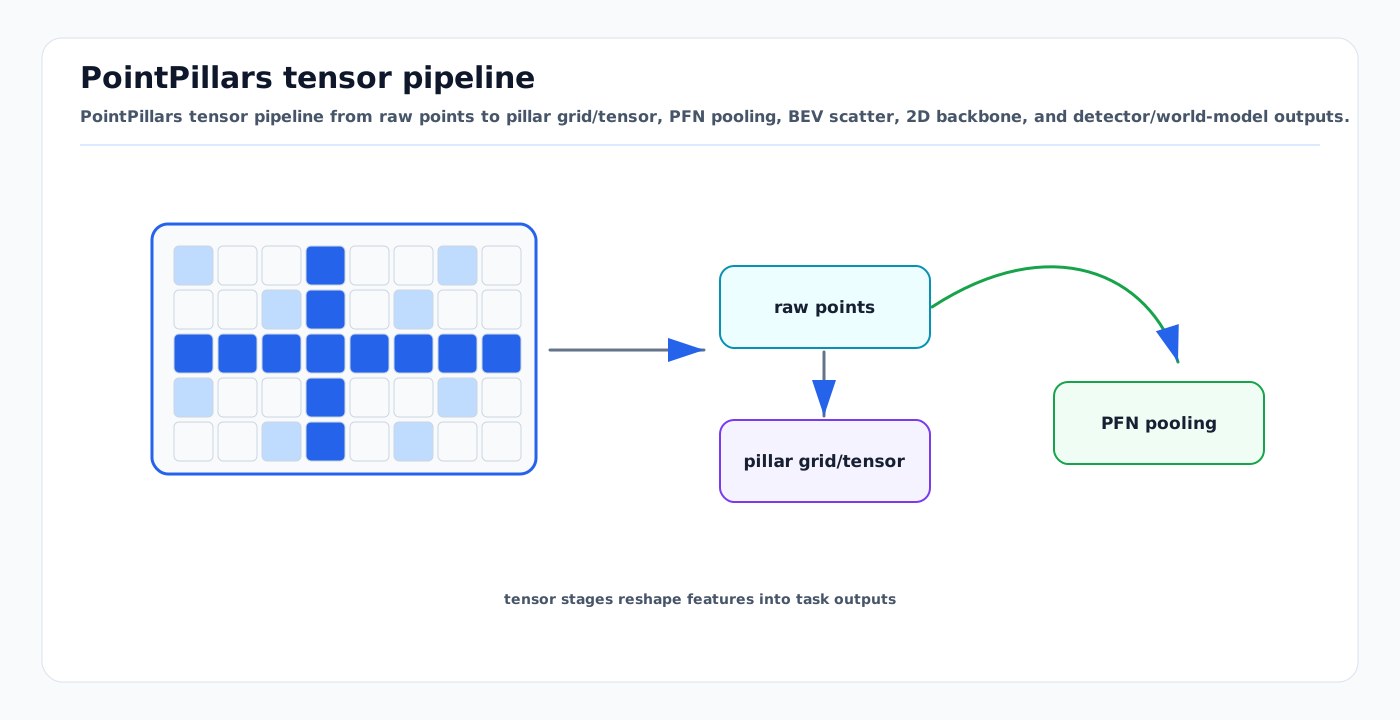
Visual: PointPillars tensor pipeline from raw points to pillar grid/tensor, PFN pooling, BEV scatter, 2D backbone, and detector/world-model outputs.
From Point Cloud to BEV Features — Every Step with Tensor Shapes
1. Core Insight
PointPillars (Lang et al., CVPR 2019) replaces expensive 3D convolutions with 2D convolutions by organizing point clouds into vertical columns ("pillars") rather than 3D voxels. This makes it fast enough for real-time (< 10ms on modern hardware) while retaining the spatial structure needed for detection.
2. Architecture Step by Step
2.1 Input: Raw Point Cloud
Input: (N, 4) — N points, each with (x, y, z, intensity)
  N varies per frame: typically 30,000-100,000 for multi-LiDAR setup
  Coordinate system: x=forward, y=left, z=up (vehicle frame)
2.2 Pillar Creation
Discretize the x-y plane into a grid. Each cell is a "pillar" containing all points in that vertical column.
Grid parameters:
  x_range: [-51.2, 51.2] → 512 cells at 0.2m resolution
  y_range: [-51.2, 51.2] → 512 cells at 0.2m resolution
  z_range: [-3.0, 5.0]   → full height (no z discretization!)

  max_points_per_pillar: P = 32 (truncate or pad)
  max_pillars: M = 40,000 (limit for memory)
For each point, compute augmented features:
Original: (x, y, z, intensity) — 4 features
Augmented: (x, y, z, intensity, x_c, y_c, z_c, x_p, y_p) — 9 features

where:
  x_c, y_c, z_c = offset from pillar center (arithmetic mean of points in pillar)
  x_p, y_p = offset from pillar x-y center (geometric center of pillar cell)
Result: (M, P, D) = (40000, 32, 9)
M = number of non-empty pillars (padded to max)
P = points per pillar (padded to max)
D = 9 augmented features2.3 Pillar Feature Net (PointNet)
Apply a simplified PointNet to each pillar independently:
# Linear layer + BatchNorm + ReLU
pillar_features = linear(D=9 → C=64)  # (M, P, 9) → (M, P, 64)
pillar_features = batch_norm(pillar_features)
pillar_features = relu(pillar_features)

# Max pooling across points in each pillar
pillar_features = max_pool(pillar_features, dim=1)  # (M, P, 64) → (M, 64)
Why max pooling works (PointNet theory): By the universal approximation theorem for sets (Zaheer et al., 2017), any continuous function on a set can be decomposed as ρ(max_pool(φ(x_i))). Max pooling over the point dimension makes the representation invariant to point ordering within a pillar.
2.4 Scatter to BEV Pseudo-Image
Place each pillar's features back into the 2D grid at its x-y position:
# Create empty BEV canvas
bev = zeros(C=64, H=512, W=512)

# Scatter pillar features to their grid positions
for i in range(M):
    x_idx, y_idx = pillar_coords[i]
    bev[:, x_idx, y_idx] = pillar_features[i]  # (64,)

# Result: (64, 512, 512) — a "pseudo-image" in BEV
This is the key insight: after scatter, the problem becomes standard 2D image processing. Any 2D CNN backbone can be applied.
2.5 2D CNN Backbone
BEV pseudo-image: (64, 512, 512)
    │
    ├── Block 1: Conv2d(64→64, 3×3, stride=2) × 4 layers → (64, 256, 256)
    ├── Block 2: Conv2d(64→128, 3×3, stride=2) × 6 layers → (128, 128, 128)
    └── Block 3: Conv2d(128→256, 3×3, stride=2) × 6 layers → (256, 64, 64)

Upsample and concatenate:
    ├── Deconv(64→128, 1×1, stride=1) from Block 1 → (128, 256, 256)
    ├── Deconv(128→128, 2×2, stride=2) from Block 2 → (128, 256, 256)
    └── Deconv(256→128, 4×4, stride=4) from Block 3 → (128, 256, 256)

Concatenate: (384, 256, 256) — multi-scale BEV features
2.6 Detection Head (SSD-style)
BEV features: (384, 256, 256)
    │
    ├── Classification: Conv2d(384 → num_anchors × num_classes)
    │   → per-anchor class probabilities
    │
    ├── Box regression: Conv2d(384 → num_anchors × 7)
    │   → (x, y, z, dx, dy, dz, heading) per anchor
    │
    └── Direction: Conv2d(384 → num_anchors × 2)
        → forward/backward classification (resolves 180° ambiguity)
2.7 For World Model: Tap BEV Features Before Detection Head
For world model input, extract BEV features BEFORE the detection head:

bev_features = backbone(scatter(pillar_net(pointcloud)))
# Shape: (384, 256, 256) or (128, 256, 256) from single scale

# This is the BEV representation that feeds into the VQ-VAE tokenizer
# Detection head is optional — the world model doesn't need bounding boxes
3. Training
3.1 Loss Function
L = L_cls + L_reg + L_dir

L_cls: Focal Loss (handles class imbalance)
  FL(p_t) = -α_t(1-p_t)^γ · log(p_t)
  α = 0.25, γ = 2.0

L_reg: Smooth L1 Loss on box parameters
  For each matched anchor-GT pair:
    Δx = (x_gt - x_a) / d_a    (normalized by anchor diagonal)
    Δy = (y_gt - y_a) / d_a
    Δz = (z_gt - z_a) / h_a
    Δw = log(w_gt / w_a)
    Δl = log(l_gt / l_a)
    Δh = log(h_gt / h_a)
    Δθ = sin(θ_gt - θ_a)       (angular regression)

L_dir: Binary Cross-Entropy for direction classification
3.2 Data Augmentation (Critical for Performance)
GT-Sampling (most important): Copy ground-truth objects from other scenes and paste into current scene.
# For each class, maintain a database of GT objects + their point clouds
# During training, randomly sample K objects per class and insert
# Check for collisions with existing objects before insertion
# This dramatically increases positive sample count for rare classes
Geometric augmentations:
# Random flip (x-axis and/or y-axis)
# Random rotation: uniform in [-π/4, π/4]
# Random scaling: uniform in [0.95, 1.05]
# Random translation: uniform in [-0.2m, 0.2m] per axis
3.3 Training Recipe
optimizer: AdamW
  lr: 0.003 (OneCycleLR, div_factor=10, pct_start=0.4)
  weight_decay: 0.01
  grad_clip: 10.0

epochs: 80 (nuScenes), 30 (custom small dataset)
batch_size: 4 per GPU
warmup: linear, 1000 steps

# 4x A100: ~6 hours on nuScenes (28,130 training samples)
# 1x RTX 4090: ~18 hours
4. TensorRT Deployment
4.1 The Scatter Operation Challenge
The scatter operation (placing pillar features into the BEV grid) is not a standard neural network operation. TensorRT doesn't support it natively.
Solutions:
- Custom TensorRT plugin: Implement scatter as a CUDA kernel registered as TensorRT plugin
- Split export: Export pillar_net and backbone separately, scatter in C++ between them
- NVIDIA Lidar_AI_Solution: Pre-built TensorRT pipeline handles this
4.2 Measured Performance
| Platform | Precision | Latency | Notes |
|---|---|---|---|
| Jetson AGX Orin | FP16 | 6.84ms | NVIDIA Lidar_AI_Solution |
| Jetson AGX Orin | INT8 | 4.5ms | With PTQ calibration |
| Jetson AGX Xavier | FP16 | 12ms | Previous generation |
| A100 (datacenter) | FP16 | 2ms | Reference |
4.3 Accuracy vs Speed Tradeoffs
| Setting | Latency | mAP (nuScenes) |
|---|---|---|
| Full resolution (0.1m pillars) | 15ms | 52% |
| Standard (0.2m pillars) | 7ms | 48% |
| Fast (0.4m pillars) | 3ms | 42% |
| INT8 quantized (0.2m) | 4.5ms | 46% |
For airside (0.2m, FP16): 7ms latency, 48% mAP — well within budget.
5. Pillar Size Selection for Airside
| Pillar Size | Grid Size (100m range) | Points/Pillar | Detail Level | Speed |
|---|---|---|---|---|
| 0.1m | 1000×1000 | ~3-5 | High (small FOD) | Slow |
| 0.2m | 500×500 | ~10-15 | Good (vehicles, crew) | Recommended |
| 0.4m | 250×250 | ~30-40 | Moderate (vehicles) | Fast |
| 0.8m | 125×125 | ~80+ | Low (large objects only) | Very fast |
Recommendation: 0.2m for primary detection, consider dual-resolution (0.1m near-field + 0.4m far-field) for FOD detection.
6. Limitations
- Height information compressed: All height info is in the pillar features, not explicitly in the grid. Fine for BEV but loses vertical detail.
- Sparse far-field: At 50m+ range, pillars have very few points → features are noisy.
- No temporal modeling: Single-frame only (multi-frame requires stacking or recurrence).
- Fixed grid size: Compute scales with grid area, not point count. Large ranges are expensive.
When to upgrade to CenterPoint-Voxel: When you need better height discrimination (e.g., distinguishing ULD on ground vs. aircraft wing overhead) or higher accuracy for distant objects.
Sources
- Lang et al. "PointPillars: Fast Encoders for Object Detection from Point Clouds." CVPR, 2019
- Qi et al. "PointNet: Deep Learning on Point Sets." CVPR, 2017
- Zaheer et al. "Deep Sets." NeurIPS, 2017
- Yin et al. "Center-based 3D Object Detection and Tracking." CVPR, 2021
- OpenPCDet
- NVIDIA Lidar_AI_Solution